
Advanced Capabilities
Arcadeflow goes beyond being a simple grid frontend. It embeds powerful data management directly into your gaming experience.
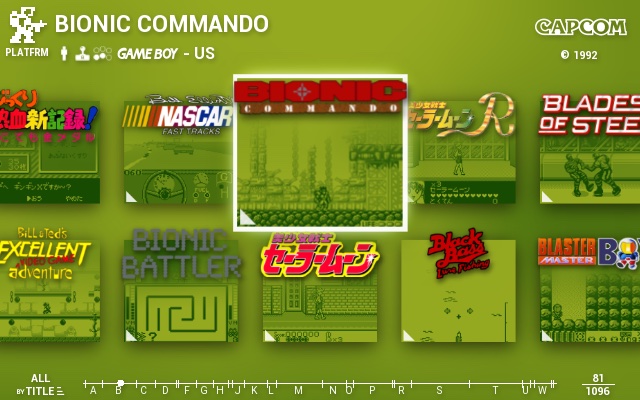
Automated Displays Menu
Arcadeflow features a customizable Displays Menu. You can have it as a simple list with text or parse beautiful system logos automatically based on display name. Displays are categorized natively into Arcade, Console, Computer, Handheld, Pinball, and Other.
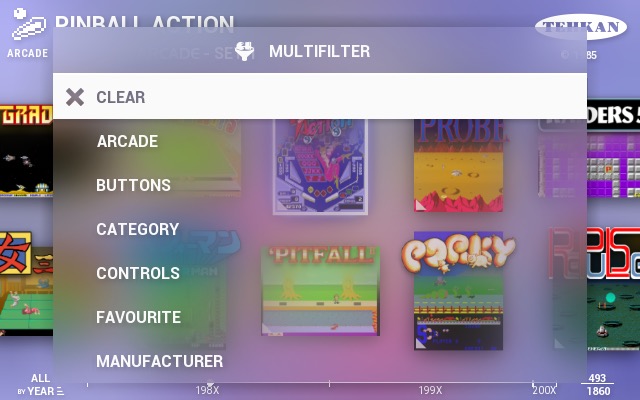
Multifilter & Realtime Search
The on-screen keyboard allows lightning-fast search application across multiple fields like name, brand, or year. Multifilter applies custom filters on-the-fly and caches them per display session.
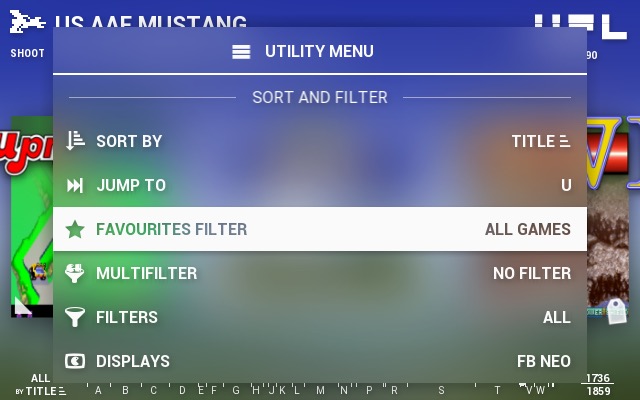
Intelligent Custom Controls
When you hit the select button, an integrated context menu emerges overlayed beautifully. Filter "more of the same..." based on manufacturer, manage game favorites, update game states, or enter the dedicated History text-reader panel.
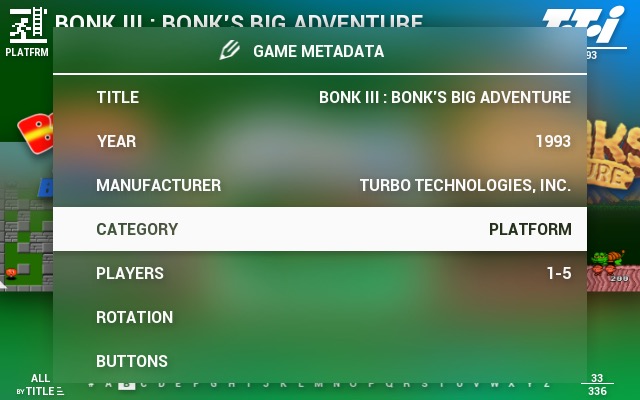
On-Screen Metadata Editor
Edit metadata internally within Arcadeflow using the joystick GUI. This uniquely won't overwrite your primary ROM lists, preserving original MAME/RetroPie files, but lets you fallback safely by simply erasing custom fields.
Sorting & Timeline Jumps
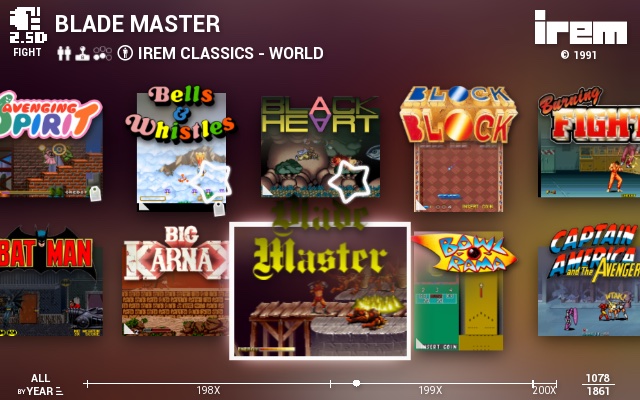
Scrolling massive collections dynamically shows huge letters over the interface. Sort purely by last played or last added. Use jump scroll functionalities to navigate by alphabet 'timeline' effortlessly.
Visual ROM Tagging
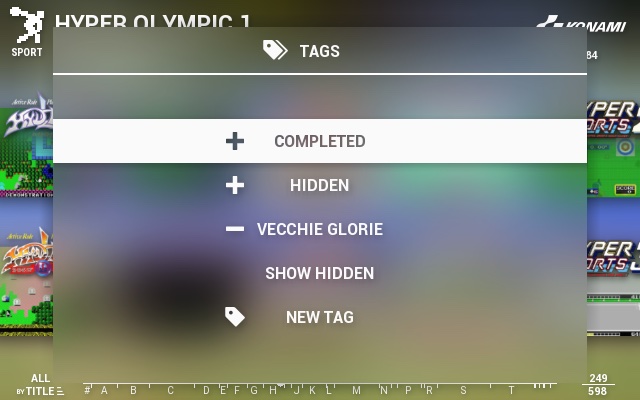
Create custom visual tags on titles manually using the provided UI keyboard. Tag a game as "COMPLETED" to render a rewarding 100% stamp right upon the game thumbnail to show off to friends.
International Localization
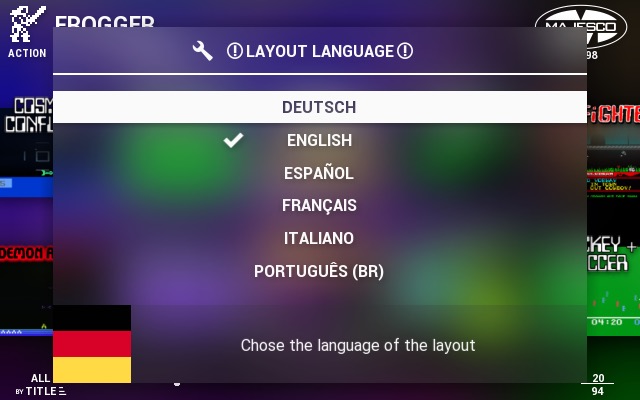
The theme utilizes powerful locale files mapping. English, German, and Italian languages are fully bundled allowing global players native understanding.
Romlist Database Caching
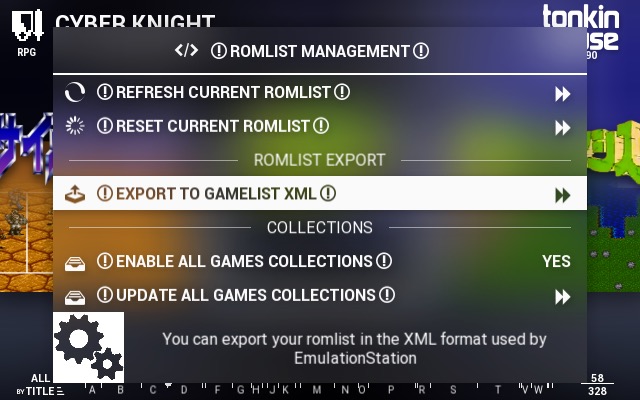
A central AF engine shares metadata states seamlessly. Update the metadata list manually from AF options and build 'All Games' categorizations directly out of standard lists magically.